
Introduction

Incorporating technology into the classroom for young children to learn basic concepts such as alphabets, numbers, shapes and colors has scarcely been done. Young children in school readiness programs are constantly faced with the ambiguous tasks of learning without technologies in the classrooms. Having teachers to facilitate how mobile device technologies can be used to boost children's developmental abilities, will enhance their learning and will make learning a fun and unforgettable experience. In this learning experience, teachers will be given directions on how they can download apps, videos and other learning enhancement software on mobile devices that are embedded with Internet connectivity. Once this process is completed, they will be instructed on how they can use the software in the classroom to facilitate the learning of basic concepts for toddlers and preschoolers. This will be an interesting and important activity because children are easily facilitated by technology and tend to recall things they have learned through its use. However, using something they love as a learning mechanism will be a great way to captivate and sustain their interest.
Question to ponder: Are children truly as technologically savvy as we believe they are? If so, are they still as thrilled with it as at when they first got introduced to it?
[video:https://www.youtube.com/watch?v=aKLgZaQ4M5Q]
Task
The aim of this quest is for teachers to use mobile devices to facilitate toddlers and preschoolers learning of the alphabets, shapes, colors and numbers. The children are expected to become conversant with these categorized domain at the end of the quest. Teachers will be expected to use the aforementioned technological tools to facilitate children's learning and help them become familiar with the stated objectives.
To complete the following objectives, the teachers will open the app store, if apple devices are used or google play, if android devices are used, and download the numbers, colors, alphabet and shapes apps as listed below. They will use the downloaded apps to help the children in:
- Identifying and naming numbers
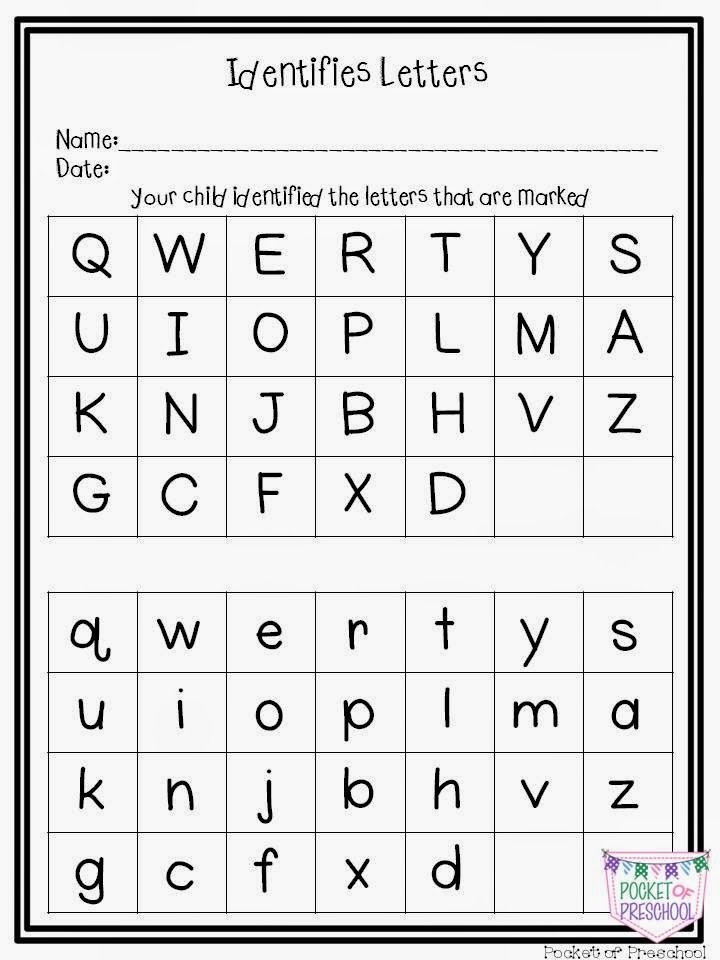
- Identifying and naming letters as well as be able to point out letters that are present in own names
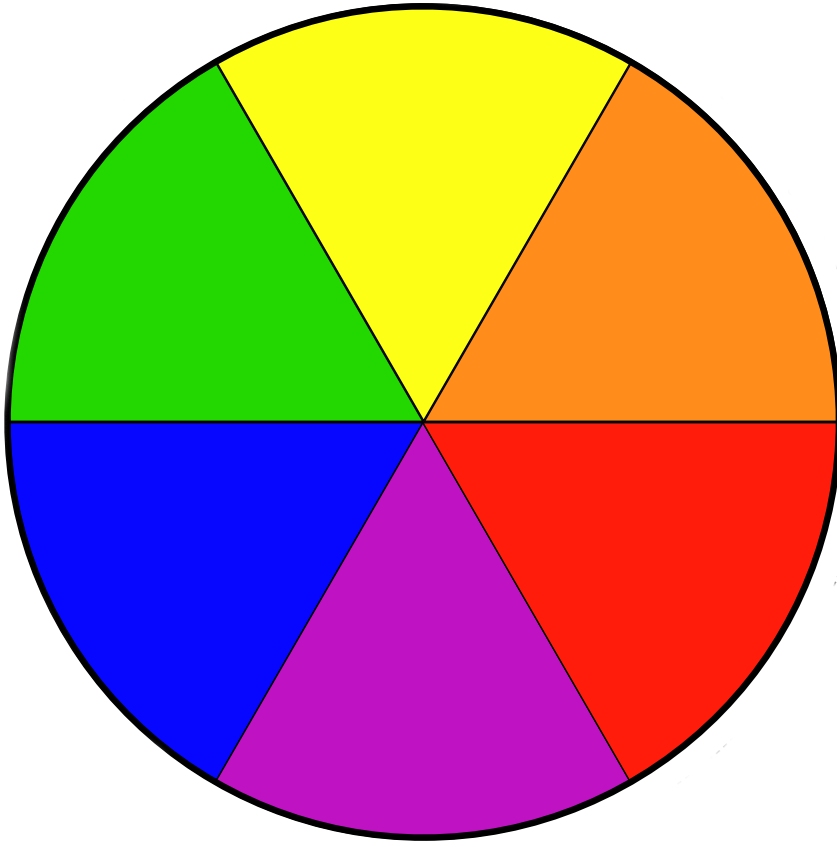
- Identifying and naming colors
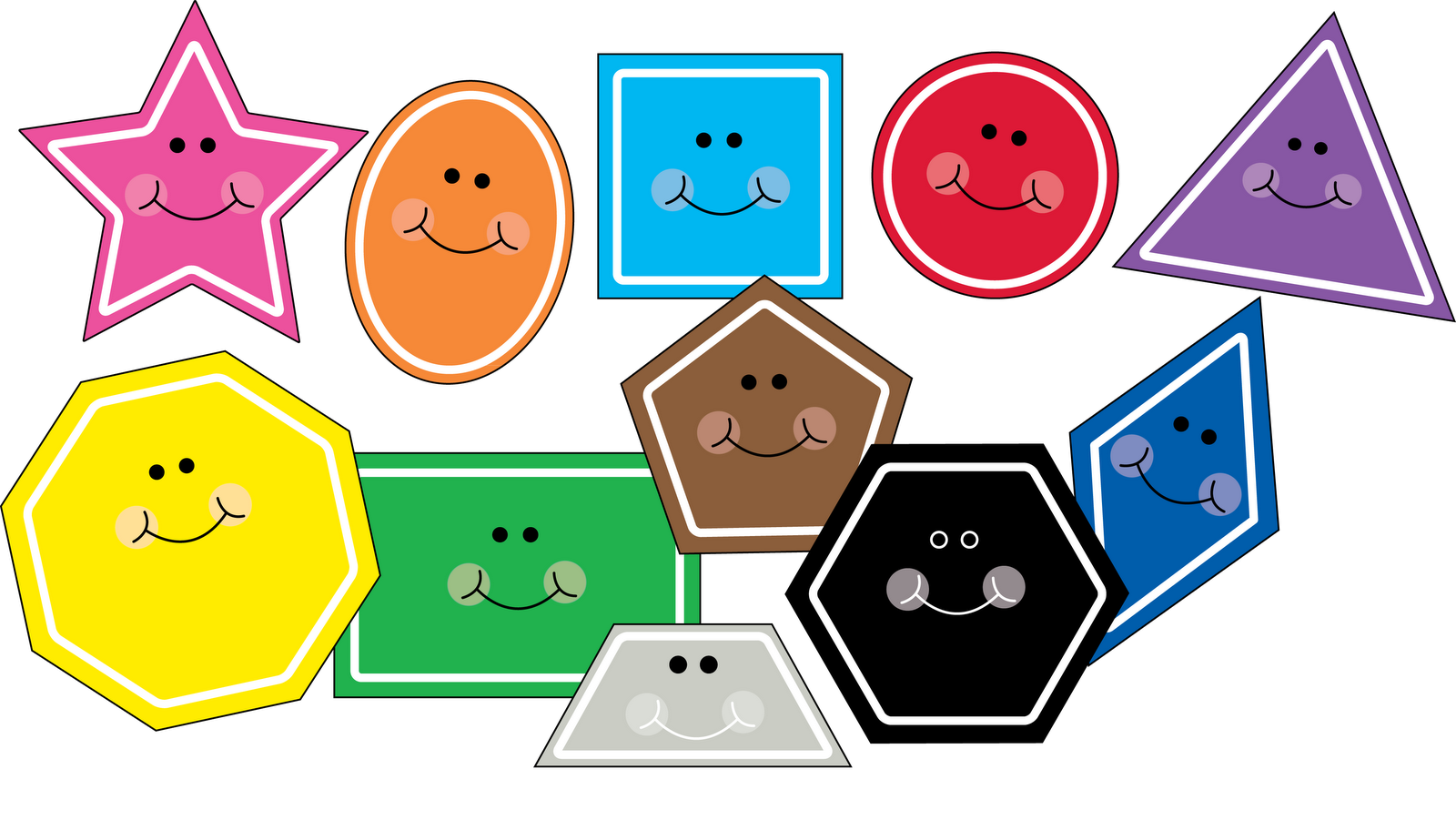
- Identifying and naming shapes
Some of the apps that the teachers will be required to download for this quest include ABC for kids all alphabet free, ABC phonics, Stamp and learn shapes, Learning shapes for kids, Educational games, learning colors, ABC learning letters toddlers and a few more. This WebQuest will be completed in two weeks.
Process
[video:https://www.youtube.com/watch?v=sJSGEQgAYWg]
In this section:
For Teachers:
- Teachers will divide into groups that comprise of one teacher and two students (one toddler and one preschooler)
- The teacher will hand over each child a mobile device (Ipad, Tablet or Laptop) and assign them a seat
- The teacher will read aloud the instruction needed to complete this WebQuest
- The teacher will check each child's device to ensure that it has internet connection
- The teacher will go around each child in their group and download the apps on the mobile devices
- The apps to be downloaded include: ABC for kids all alphabet free, ABC phonics, Stamp and learn shapes, Learning shapes for kids, Educational games, Learning colors and ABC learning letters toddlers
- To download, the teacher has to open Google play or App store, type in the name of the app and click install
- When the apps are done installing, the teacher will open the same app on each child's device as well as on hers, starting with the alphabet app
- The teacher will sound out the letter as it appears on the screen and will follow every direction or examples given as she helps the children learn the letter
- For the first two days of the WebQuest, only apps that relates to the alphabet will be used with the children and progress will be recorded
- The next two days, the teacher will facilitate the learning of numbers and will also record the progress of the children.
- On the last day of the week, both domains will be revisited with the children and the weakest areas will be emphasized on the most.
- The next week, the same sequence will be followed for the shapes and colors
- Youtube videos on alphabet, shapes, colors and numbers will be used
For the children:
- Each child will sit in front of his/her assigned mobile device that will be used
- The children will repeat the sounds as the teachers pronounce it and will also emulate the video as they watch
Resources
The apps needed to facilitate students' completion of this WebQues include:
ABC for Kids All Alphabet Free
ABC Phonics
Stamp and Learn Shapes
Learning Shapes for Kids
Educational Games
Learning Colors
ABC learning Letters Toddlers
Also, YouTube videos to be used include: Bob, The train- Bob and preschool/ Phonics song/ ABC song/ Numbers song/ Shapes song
https://www.youtube.com/watch?v=aKLgZaQ4M5Q
Learn colors and Race Cars with Max, Bill and Pete the truck- toys (colors and toys for toddlers)
https://www.youtube.com/watch?v=sJSGEQgAYWg
Numbers counting to 10 collection vol. 1- Kids learn to count
https://www.youtube.com/watch?v=glkQwKA5_PU
The Big Numbers song
https://www.youtube.com/watch?v=e0dJWfQHF8Y
Some of the YouTube videos are already embedded in this WebQuest for easy access
The Apps alongside their links to install from the Google Play/App store Apps are listed below:
ABC for Kids All Alphabet Free-
https://play.google.com/store/apps/details?id=com.aruhat.mobileapps.abc…
ABC Phonics-
https://play.google.com/store/apps/details?id=kr.co.smartstudy.phonicsi…
Stamp and Learn Shapes-
https://itunes.apple.com/us/app/stamp-learn-shapes!/id663435741?mt=8
Learning Shapes for Kids-
https://play.google.com/store/apps/details?id=com.oki.shapesnew&hl=en
Educational Games-
https://play.google.com/store/apps/details?id=com.appquiz.educational.g…
Learning Colors-
https://play.google.com/store/apps/details?id=com.oki.colors&hl=en
ABC learning Letters Toddlers-
https://play.google.com/store/apps/details?id=air.ABC4Toddler&hl=en
Evaluation
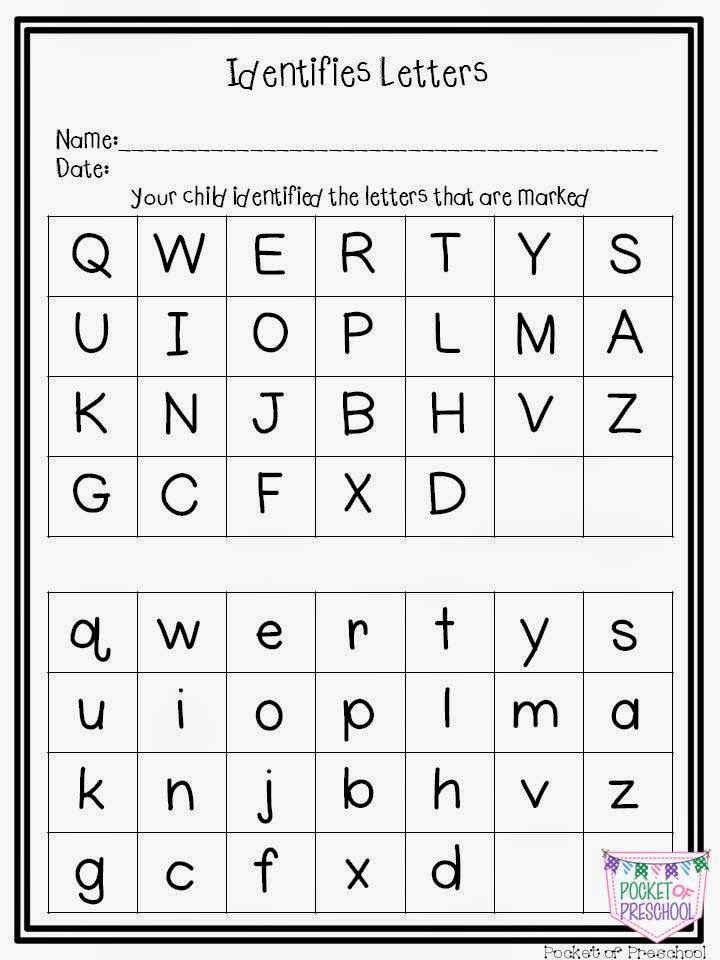
Grading Rubric for student’s learning and recognition of the alphabet
|
Score: |
Not Evident |
Working On It |
Almost There |
Accomplished |
|
Identifies uppercase letters of the alphabet out of the sequence |
0-5 points Identifies 0-5 uppercase letters of the alphabet out of sequence |
6-10 points Identifies 6-20 uppercase letters of the alphabet out of sequence |
11-15 points Identifies 21-25 uppercase letters of the alphabet out of sequence |
16-20 points Identifies all 26 uppercase letters of the alphabet out of sequence |
|
Identifies lowercase letters of the alphabet out of the sequence |
Identifies 0-5 lowercase letters of the alphabet out of sequence |
Identifies 6-20 lowercase letters of the alphabet out of sequence |
Identifies 21-25 lowercase letters of the alphabet out of sequence |
Identifies all 26 lowercase letters of the alphabet out of sequence |
|
Identifies both uppercase & lowercase letters of the alphabet out of the sequence |
Identifies combined 0-5 uppercase & lowercase letters of the alphabet out of sequence |
Identifies combined 6-20 uppercase & lowercase letters of the alphabet out of sequence |
Identifies combined 21-25 uppercase & lowercase letters of the alphabet out of sequence |
Identifies all 26 uppercase & lowercase letters of the alphabet out of sequence |
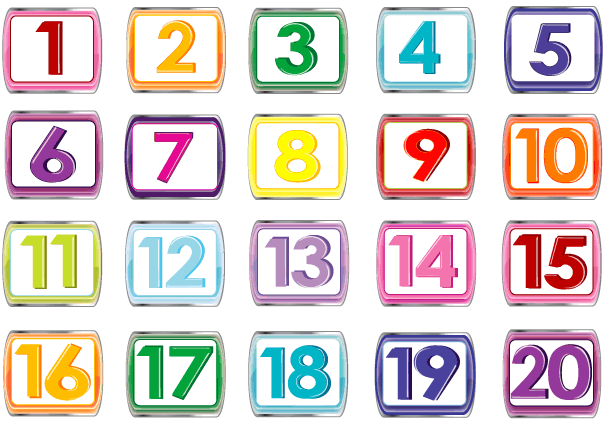
Grading rubric for student’s learning of numbers
|
Scores: |
|
|
21-25 |
Students show proficiency with numbers beyond 20 |
|
16-20 |
Students will demonstrate an understanding of number sense by:
The student exhibits no major errors or omissions |
|
11-15 |
The student can perform tasks but makes major errors Counts but not necessarily in the correct order |
|
6-10 |
With help, the student demonstrates partial understanding of concept |
|
0-5 |
Even with help, the student demonstrates no understanding of skill |
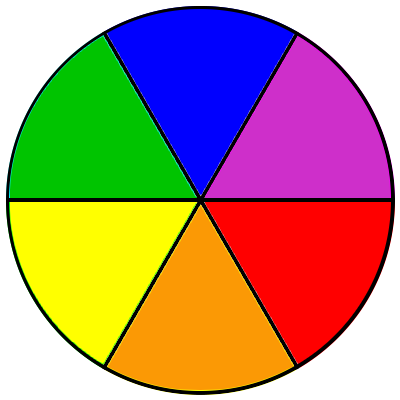
Grading rubric for color learning and recognition
|
|
Not at all |
Starting to demonstrate skill
|
Shows confident in skill although may still need assistance
|
Mastered skill= Excellent |
|
Student can recognize and identify all colors on a primary color wheel
|
5 |
10 |
15 |
20 |
|
Student can recognize and identify half of the colors in a primary color wheel |
5 |
10 |
15 |
20 |
|
Student can recognize and identify 0-3 colors in a primary color wheel |
5 |
10 |
15 |
20 |
Grading rubric for student’s learning and identification of shapes
|
Scores |
|
|
26-30 |
Student shows proficiency at identifying, naming and matching all 2D shapes |
|
21-25 |
Student names, identifies and matches 3-5 2D shapes |
|
16-20 |
Student identifies 3-5 2D shapes but cannot name them |
|
11-15 |
Student matches 3-5 2D shapes but can neither identify them alone nor name them |
|
6-10 |
With help, student can identify, match and name most 2D shapes |
|
0-5 |
Even with help, student shows no understanding of concept
|

Conclusion
[video:https://www.youtube.com/watch?v=BELlZKpi1Zs]
[video:https://www.youtube.com/watch?v=e0dJWfQHF8Y]
When children complete this WebQuest, they will have a true sense of how they can use technology in more innovative and positive ways such as learning while having fun. Children will have a continuous drive to learn because they will realize that learning does not always have to be boring and they can the simple devices that are used on a daily basis can be used learn new things. Teachers will also discover new and improved ways to enhance the children's learning of numbers, letters, colors and shapes.
References
http://4.bp.blogspot.com/-1rvb7IjtUWA/U9Z6aAHSBDI/AAAAAAAAAs4/KDjn9h5DeMk/s1600/Slide15.JPG

https://www.besd.net/curriculum/Rubrics/2009Archive/1stGrade/1stGradeMathRubrics.pdf

https://s-media-cache-ak0.pinimg.com/236x/eb/79/e2/eb79e22f7506730455e882361807e86a.jpg

http://www.westhoughtonartgroup.com/wp-content/uploads/2011/11/colour-wheel-cropped1.jpg
https://s-media-cache-ak0.pinimg.com/236x/c9/8c/fd/c98cfdf56158a917d01de21191ac5219.jpg
