
Introduction
What is a Digital Tool?
Digital tools are programs, websites, or online resources that can make tasks easier to complete. A lot of these can be accessed in web browsers without needing to be downloaded, and you can access them both at home and at work.
Digital tools are software, programs, applications, platforms, and (online or offline) resources that can be used with computers, mobile devices, or other digital devices, and incorporate text, audio, and visual stimuli.
How can Digital Tools enhance the teaching-learning process?
Digital technology can enrich the learning experience for all of our children and young people. We know from consultation activity that our learners already have strong exposure to digital technology and that they would support its increased use as part of their own education.
Digital technology can also enhance teaching. This potential lies not in the technology itself but in our educators. If used appropriately, digital technology can act as a powerful, flexible, and engaging tool for educators that can enhance what they already do so well; teach our children and young people.
Different Types of Digital Tools:
-
Online Bibliography and Citation Tools
-
Photo and Image Editing Tools
-
Survey and Polls Tools
-
Web Conferencing Tools
-
Stock Photo Sites
-
Video Tools
-
Assessment Tools
-
PDF Tools
Task
Remember me? List me down! ![Pencil Vector Resource [Free] | Pencil png, Pencil, Picture icon](https://i.pinimg.com/originals/6e/35/ef/6e35ef7687065eb1e4c037781f3c4cdc.png)
Direction: List down all the digital tools, apps, or software you've discussed in Technology For Teaching and Learning I and categorize into what type of digital tool it belongs to.
Proceed to this link: https://tinyurl.com/75er6uas
CODE: CAQ5X


Process
Different Types of Digital Tools:
-
Online Bibliography and Citation Tools
Bibliographic tools are used to compile more or less comprehensive lists of the existing literature on a subject or topic. With the help of these tools, users group entries in a bibliographic database together according to criteria they set by manipulating parameters in a search interface.
BibMe


Free online bibliography and citation tools on the Internet. It can help you to reference your work effectively whether you are using MLA, APA, Turabian or Chicago. It has many variety sources like journals, websites and books that covering both digital and print format. This is not just an ordinary citation tools because it can used this to check your content for plagiarism to avoid using somebody else’s words and check the missing punctuation. Most of the features in these tools are available in the free version.
Link: https://www.bibme.org/apa/journal-citation
Citation Machine

One of the easiest to use free online bibliography and citation tools. It will help you to cite properly in all 4 major styles, APA, MLA, Chicago, and Turabian. It includes 7,000 additional citation styles for many different fields. It allows you to cite content from books, magazines, newspapers, journals, films and many other sources. It also offers plagiarism checker but, not like BibMe, you can used plagiarism checker once you subscribe it. Those features are free to used.
Link: https://www.citationmachine.net/
-
Photo and Image Editing Tools
Photo-editing software is a tool that you can use to manipulate and enhance images.
CANVA


Can be accessible thru PC and smartphones. A one-click design magic resize, with 420,000 free templates and new designs daily. Moreover, it has 100 GigaBytes of cloud storage with non-stop saving layouts and designs. In Canva it drags and drops feature and layouts to design, share and print business cards, logos, presentations and more. Some examples of its features are curved text, textures, image cropper, speech bubble, add text to photo, photo effects, create soft, dreamy designs with transparent images, design keep your photos and layouts crisp with design grids, and more.
Link: https://www.canva.com/
PICSART

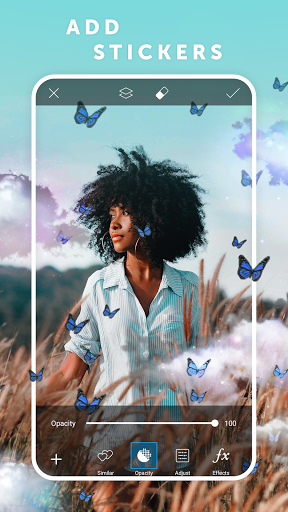
The best all-in-one photo and video editor on mobile. A cross-platform access and premium photo editing tools. PicsArt has 50k high restock images with 5k stickers. Images can save in high resolution and remove watermarks. Also it provides 1k fonts and templates for good editing. An impressive App array of editing tools, including collage and drawing functions, along with its own photo sharing. Another features are create dispersion, add effects and filters, add stickers, draw lines, change background with cutout, add photos to create overlays, create masks, colors with curves tools, and more.
Link: https://picsart.com/
-
Survey and Polls Tools
Online survey tools are software solutions that provide the ability to create, run and interpret various types of surveys either on the users own websites, on emails, or on hosted web pages.
An online poll is a survey in which participants communicate responses via the Internet, typically by completing a questionnaire in a web page. Online polls may allow anyone to participate, or they may be restricted to a sample drawn from a larger panel.
Polldaddy

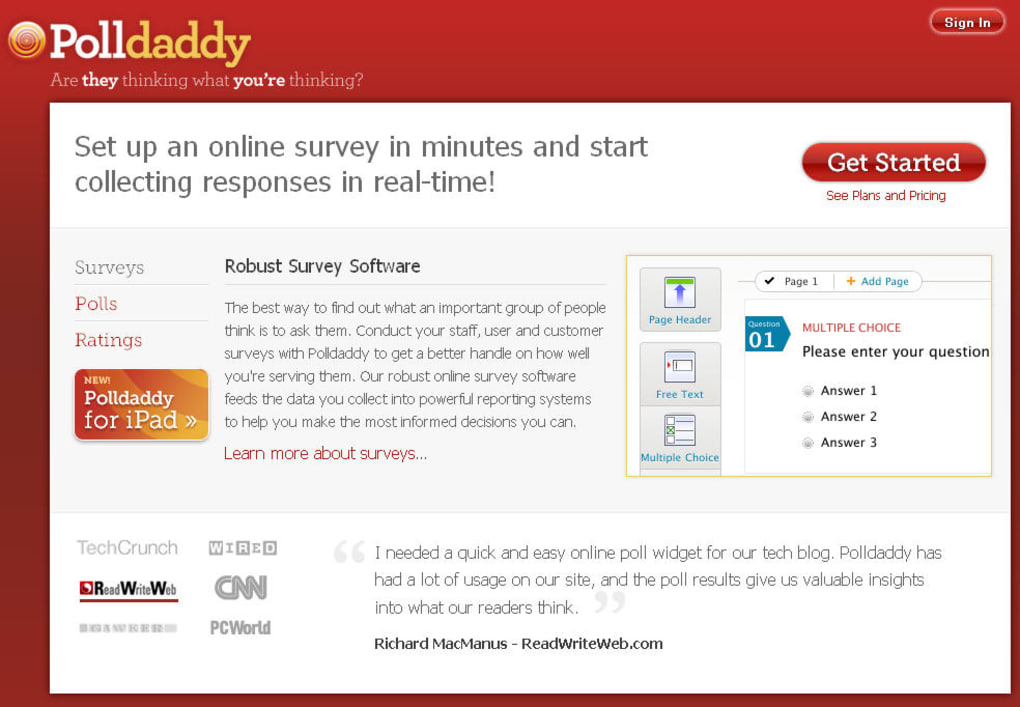
Polldaddy was created originally in Ireland, but has since been bought by Automattic Inc. An account is required at set up and you can choose from multiple pricing plans. This site is great for creating quick assessments to be used at the beginning, in the middle, or at the end of a lesson or class. The quizzes, polls, and surveys have a variety of question styles and you can quickly and easily view the results to improve your instruction. You can even share the results to help your students become more self-reflective learners.
Link:
Formsite

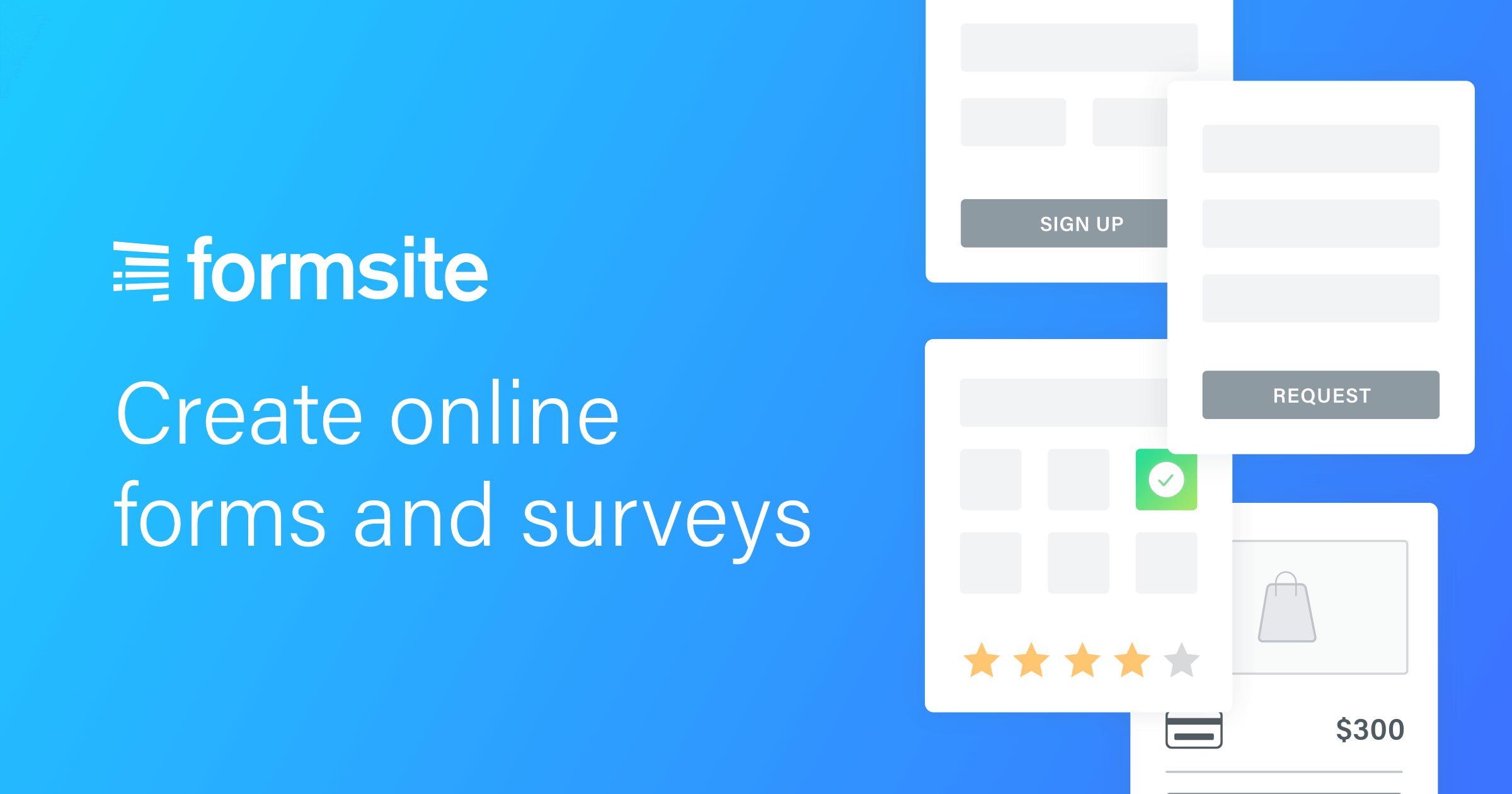
It is an easily build professional online html forms and web surveys. Choose from over 100 pre-built web form templates that you can customize for registrations, reservations, secure orders, customer surveys, and payment collection. Our Drag & Drop editor lets you easily design almost any type of web form or survey. Responsive forms are standard, making them look great on all devices. Hosting your form and securely storing your results that you can email, analyze, share, and download at any time.
Link: https://tinyurl.com/5h3spmck
-
Web Conferencing Tools
Web Conferencing is an online service by which you can hold live meetings, conferencing, presentations and trainings via the internet particularly on TCP/IP connections. You can connect to the conference either by telephone or using your computer's speakers and microphone through a VoIP connection.
Zoho Meeting
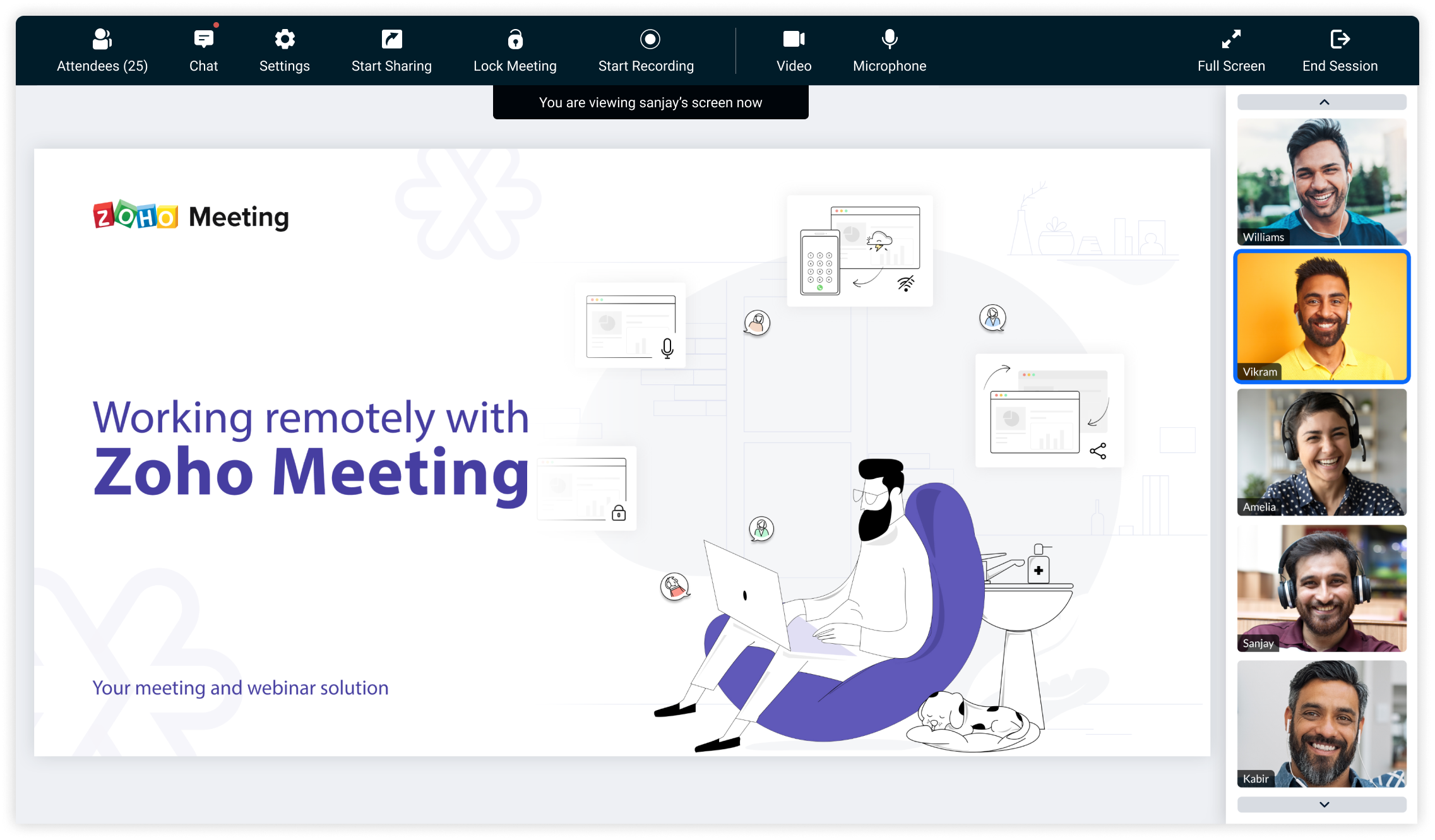
Zoho Meeting's free online meeting platform allows you to hold online meetings with real-time audio, video, and screen sharing at zero costs. Initiate or join free meetings from anywhere, and collaborate effectively with moderator controls.
It is a popular communications software application that lets you conduct online meetings more efficiently and cut travel costs. It is designed for companies with multiple teams in different places so they can collaborate in real-time and closely together. Its integrated audio conferencing allows you to share your desktop and conduct in-person meetings with customers. Demonstrate your software product across the world without leaving your office. You can also transfer control to customers during product presentations.
Link: Online Meeting Software & Webinar Platforms - Zoho Meeting
Cisco Webex
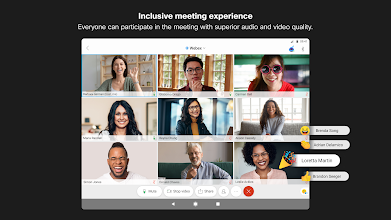
Cisco Webex is an American company that develops and sells web conferencing and videoconferencing applications. It was founded as WebEx in 1995 and taken over by Cisco Systems in 2007. Its headquarters are in Milpitas, California.
Cisco WebEx provides HD video conferencing for up to six participants at a time. Each conferencing participant has their own video feed, easily navigable in the personal meeting room. Active Speaker technology automatically switches the main video feed to whichever participant is speaking. It makes it easy to keep track of conversations.
Link: Free Video Conferencing & Online Meetings | Cisco Webex
-
Stock Photos Sites
A stock photography website uses a database of images of fulfilling the needs of its audience. These images may be purchased and viewed in two ways: as a royalty-free (RF) or rights-managed (RM) image. Overview. The website works by obtaining images from photographers for placement on the website.


Pexels is a free stock photo and video website and app that helps designers, bloggers, and everyone who is looking for visuals to find great photos and videos that can be downloaded and used for free. If you see a photo or video you like, simply download it for free.
Photographers upload their images to Pexels knowing that their images will be reused by others. Using the images on Pexels ensures that you avoid copyright conflicts that would otherwise be an issue when downloading from Google.
Link: https://www.pexels.com/

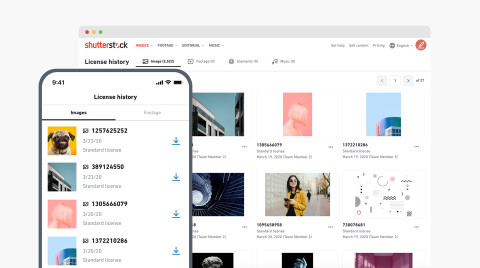
Shutterstock is a popular global provider of royalty-free stock images. This covers high-quality licensed vectors, illustrations, photographs, audios and videos. It offers more than 315 million images and each day, over 181,000 new ones are added.
With this platform, you’re not just limited to all kinds of media. You can also use the mobile application to download images directly from the app. This works for both Android and iOS.
You can also edit images with the Shutterstock Editor. Lastly, you can add more functionality to this software solution by installing plug-ins. The most popular plug-ins include Adobe Creative Cloud, Final Cut Pro, Google Slides, Sketch and Microsoft PowerPoint.
Links: https://www.shutterstock.com/
-
Video Tools
Video editing software is software used in performing the post-production video editing of digital video sequences on a non-linear editing system. It has replaced traditional flatbed celluloid film editing tools and analog video tape-to-tape online editing machines.
Animoto


Animoto is a cloud-based video creation service that produces video from photos, video clips, and music into video slideshows, and customized web-based presentations. Animoto is based in New York City with an office in San Francisco.
It allows users to create stunning videos using a simple process and without the need for advanced video editing knowledge. It also has app for both Android and iOS. . For an art project or maybe a book report, it could be useful and engaging. It’s certainly fun to create slideshows and satisfying to watch the finished presentations. Also, it’s a bit of a primer on video-editing software.
Link: https://animoto.com/
CamStudio


CamStudio is a pretty straightforward program that lets you record your screen and audio and produce outputs in AVI or SWF format. It enables annotation such as text and call out inserts and even provides you some cursor options such as default, hidden or highlighted, which should be carefully laid out prior to recording. You have some video options too which lets you control compression, frame rates , quality and time-lapse but aside from that, you can’t really do much with the video because it doesn’t include editing capabilities.
Link: CamStudio - Free Screen Recording Software
-
Assessment Tools
The tool allows educators to get immediate insight into their student understanding in real-time, as they can create quizzes in seconds and also share them with other teachers.
Socratic App

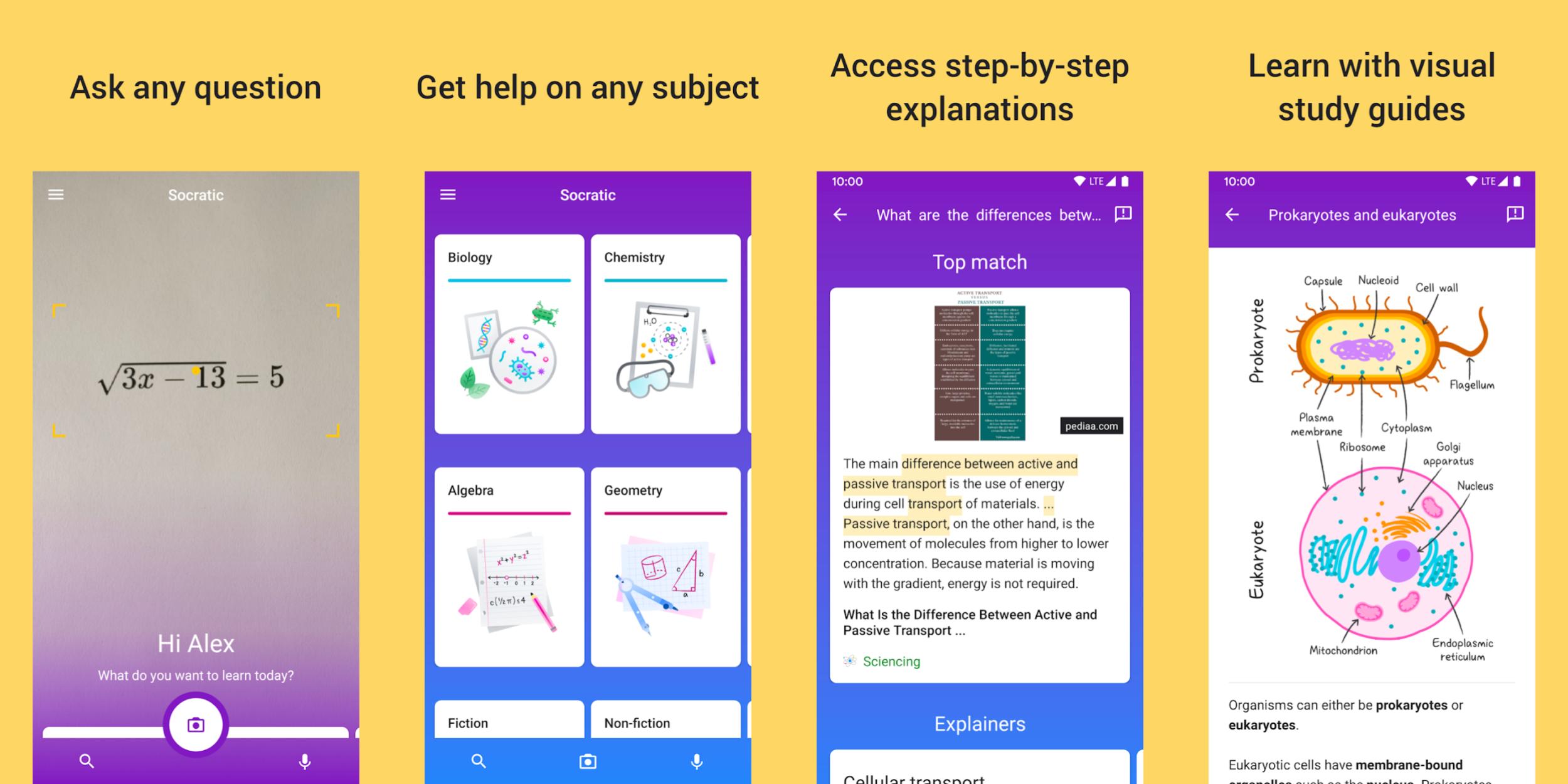
Socrative is one of the top-rated assessment tools for teachers according to hundreds of online reviews by educators and professional reviewers alike. It’s an interactive digital tool that lets you quiz, grade, and assess on the fly; “at the speed of learning.” Teachers can choose from quick questions for instant feedback, class counts to see who’s logged in or full quizzes for deeper understanding.
Socratic app features:
- · Use your voice or camera to connect to online resources and understand any problem.
- · Find videos, step-by-step explanations, and more to learn subjects at your own pace.
- · Socratic partnered with teachers and experts to bring you visual explanations in each subject, so you can learn the concepts behind any problem.
- ·Currently includes Algebra, Geometry, Trigonometry, Biology, Chemistry, Physics, History, and Literature.
Link: Get unstuck. Learn better. | Socratic
Padlet

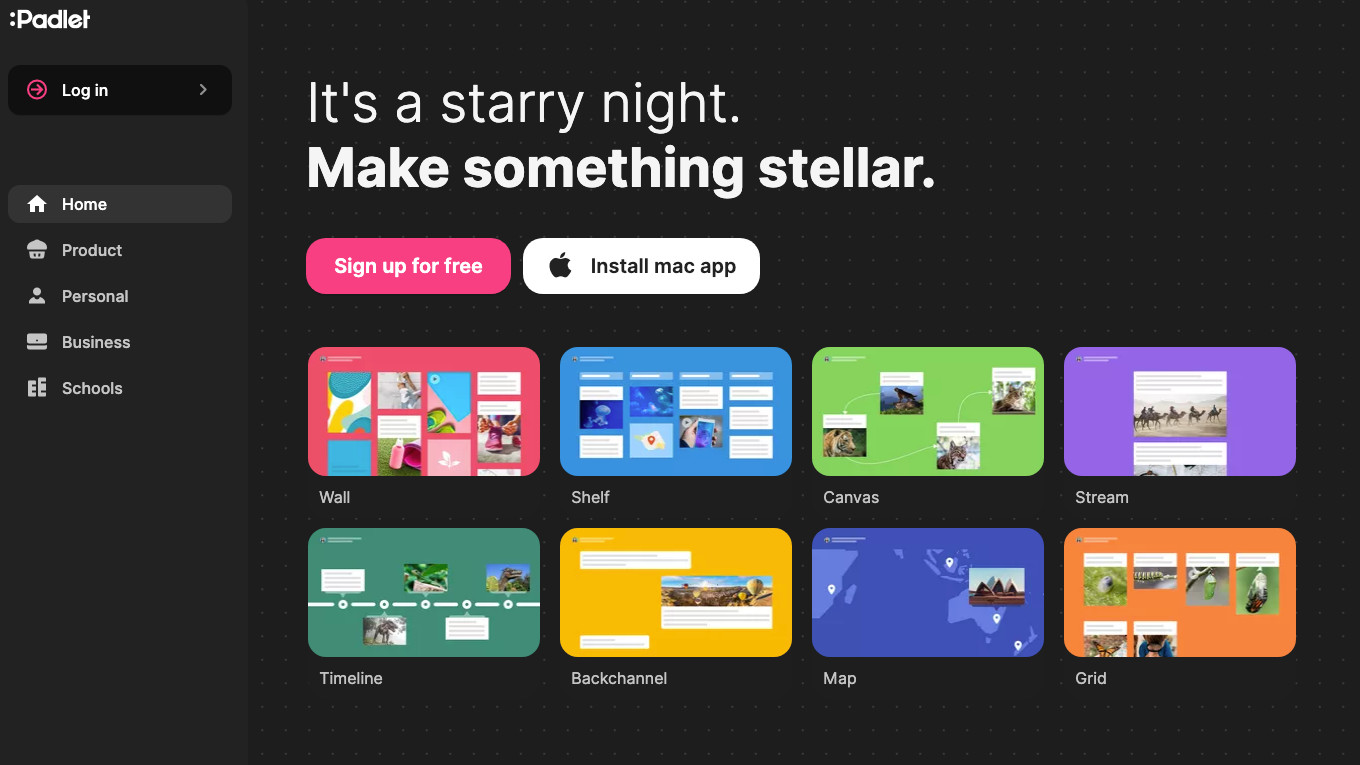
Padlet is an electronic bulletin board where you and your students can upload documents, text, videos, images, and so much more. Padlet has colorful background options and layouts to help organize content. There are so many ways to use a Padlet wall—it’s the perfect way to allow students a choice in how they demonstrate their knowledge, all collected in one easily accessible place.
Padlet features :
- · Padlet is very easy to use and has a user-friendly interface
- · Padlet is web-based and does not require any software installation
- · It allows you to easily add notes, text, images, videos, and drawings to your wall
- · You can also add word documents from computer to your Padlet wall
- · Padlet provides a wide variety of layouts to choose from
- · Padlet works across multiple devices including mobile phones
- · Any Padlet wall you create can be embedded into your blog or website.
- · It enhances collaborative work. Multiple people can post to the same wall at the same time.
- · Any Padlet wall can be exported in a variety of formats including, PDF, image,CSV, or Excel.
- · Padlet is completely free
Link: Padlet: You are beautiful
-
PDF TOOLS
Portable Document Format (PDF), standardized as ISO 32000, is a file format developed by Adobe in 1993 to present documents, including text formatting and images, in a manner independent of application software, hardware, and operating systems. Based on the PostScript language, each PDF file encapsulates a complete description of a fixed-layout flat document, including the text, fonts, vector graphics, raster images and other information needed to display it.
Adobe Reader XI

Adobe Reader software is the global standard for electronic document sharing. It is the only PDF file viewer that can open and interact with all PDF documents. Use Adobe Reader to view, search, digitally sign, verify, print, and collaborate on Adobe PDF files.
Adobe Reader XI provides full commenting capabilities, including text, stamps, file attachments and audio recordings, as well as drawing markups, like lines, arrows, shapes and free-form annotations. Do you have a PDF form that needs attention? Well, Reader is now able to fill, sign, save and send your forms without requiring printing and mailing. And, of course, you can do this on the most recent and popular operating systems, OS X Mountain Lion and Windows 8, which includes our new “touch-mode” for an optimal tablet experience.
Link: Adobe Acrobat Reader DC Download | Free PDF viewer for Windows, Mac OS, Android
Doro PDF Writer
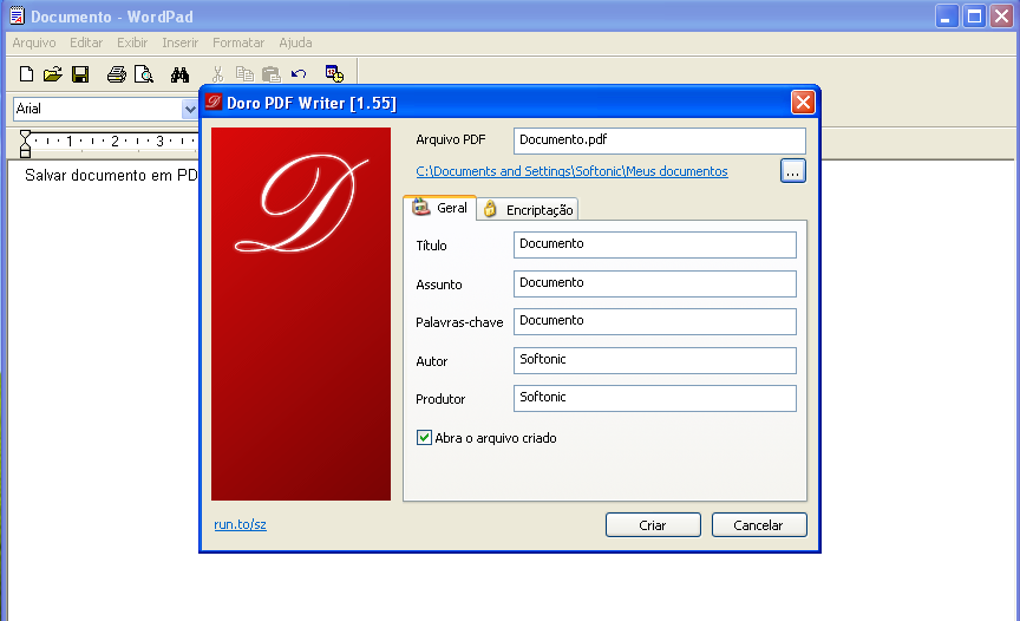

Doro PDF Writer installs a virtual printer on your system with which you can create PDF documents for free from any Windows app.
With Doro PDF Writer you don’t need an expensive PDF editor to generate high-quality, professional-looking PDF documents. It works with any Windows application, as long as it has support for printing. All you need to do is select the Doro PDF Writer printer from the program’s settings menu before printing your document.
The function is to merge, split, reorder, delete, encrypt, decrypt, rotate, crop and reformat PDF pages, to add information, header, footer, and watermark, to convert images to PDF, PDF to images or PostScript to PDF, to delete, flatten and list form fields, to scan to pdf, to create a transparent image, and more.
Evaluation
Assessment Task
Direction: Click the link and answer the 11 items quiz (Multiple Choice)
Credits
Webinar Features | Online Meeting Features - Zoho Meeting
Online Meeting Software & Webinar Platforms - Zoho Meeting
Zoho Meeting Reviews: Pricing & Software Features 2020 - Financesonline.com
Video Conferencing, Online Meetings, Screen Share | Cisco Webex
5 Useful Features of Cisco WebEx - Blog - Axxys Technologies
https://crozdesk.com/design-multimedia/media-stock-files-software/shutterstock
https://brandox.com/feed/what-you-need-to-know-about-pexels/
The 8 Best Free Video Tools For Teachers - eLearning Industry
: https://elearningindustry.com/free-survey-polls-quizzes-tools-for-elearning
https://blogs.umass.edu/onlinetools/assessment-centered-tools/polldaddy/